
Access and View Existing CPM Adjustments
1. Navigate to the Adjustments option under the Resources Menu.
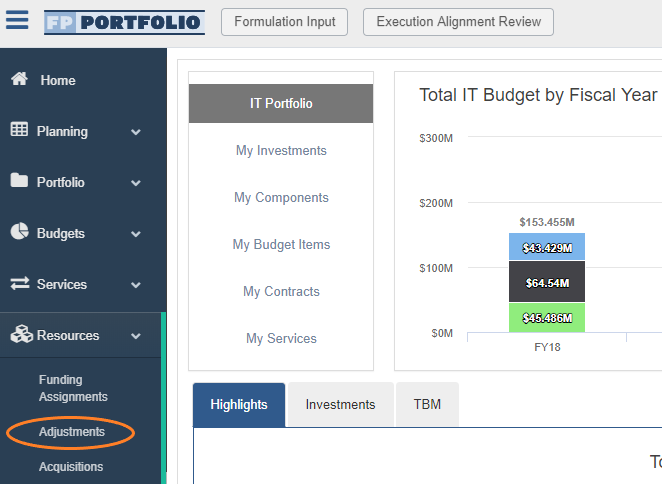
CPM Adjustments in the FEDPASS Application
1. CPM Adjustments are entered into the FEDPASS system via import from CPM.
2. Select CPM Adjustments are Auto-Approved upon import if they meet the criteria of any of the following scenarios:
- Scenario 1: CPM Adjustments of the same Office, Funding Line, and Cost Center of any amount, if the Total Sum = 0
- Scenario 2: Micro-purchases across Cost Centers
*Associated Funding Actions are created for these Auto-Approved Adjustments
3. All CPM Adjustments that are not Auto-Approved upon import will need to be manually approved and distributed, as necessary.
Related Articles:
Approved or Rejected CPM Adjustments
Updating Settings for CPM Adjustments
Running the CPM Adjustments Report
Guidance for Adjustment Reviewers
Guidance for Adjustment Approvers
Comments
0 comments
Please sign in to leave a comment.