
Notes regarding Adjustments that have been Approved or Rejected.
Approved Adjustments:
- Once an Adjustment is Approved and Processed back in BFS, the Adjustment becomes locked for Edits.
- Upon Approval of an Adjustment, a new Funding Action is created.
- Funding Actions are created for Auto-Approved Adjustments upon import.
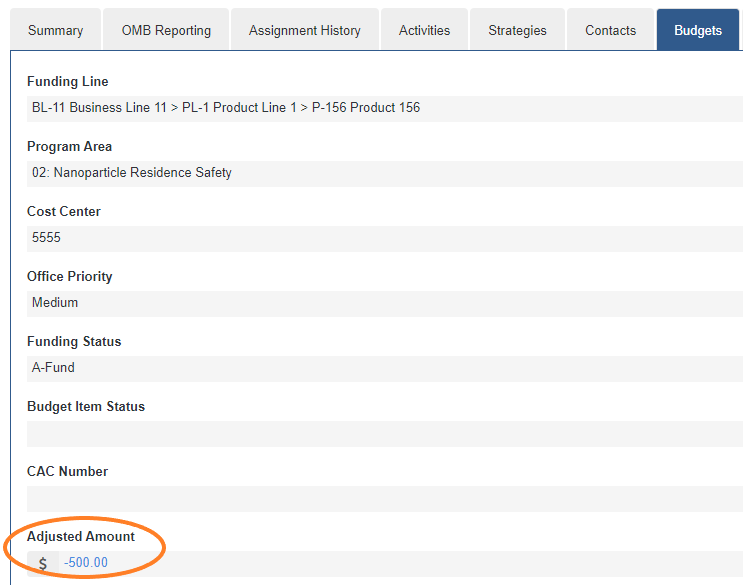
- Upon Approval of an Adjustment, the Adjusted Status field on the Budget Item is updated to reflect the total amount for all approved Adjustments.
Rejected Adjustments:
- Once an Adjustment is Rejected, and processed back in BFS, the Adjustment becomes locked for Edits.
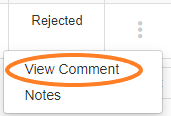
- To view Comments for Adjustments that have been Rejected, select the View Comment option in the drop-down in the Actions column for the selected Adjustment.
Comments
0 comments
Please sign in to leave a comment.