
This process encompasses navigating through some of the features of the investment screen as well as how to update Investment Contacts and Operational Analysis information from the investment detail page.
1. Key Features
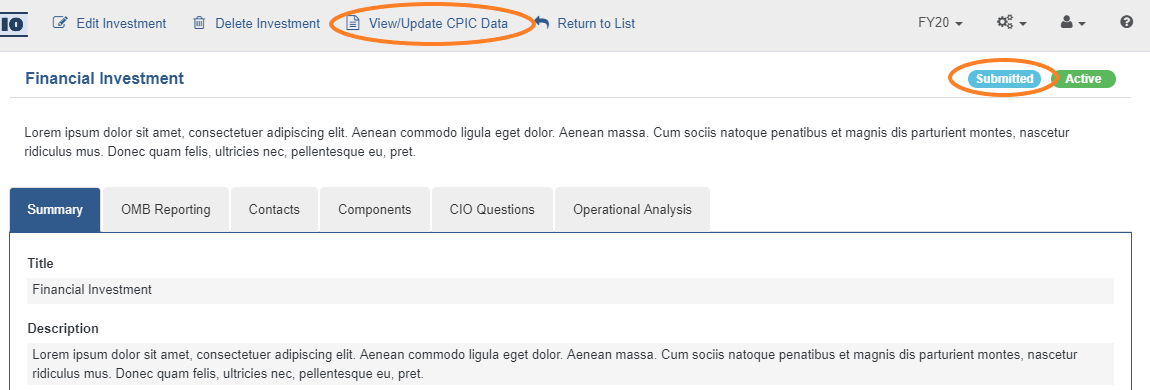
- For investments that are Type 1: Major Investments, there is an additional 'View/Update CPIC data' button at the top of the screen. Selecting this button will redirect the User to the Monthly Updates CPIC screen for that investment.
- Additionally, investments that have previously been submitted to the ITDB will be indicated by a teal 'Submitted' status button at the top right of the investment screen.
2. Updating Investment Contacts
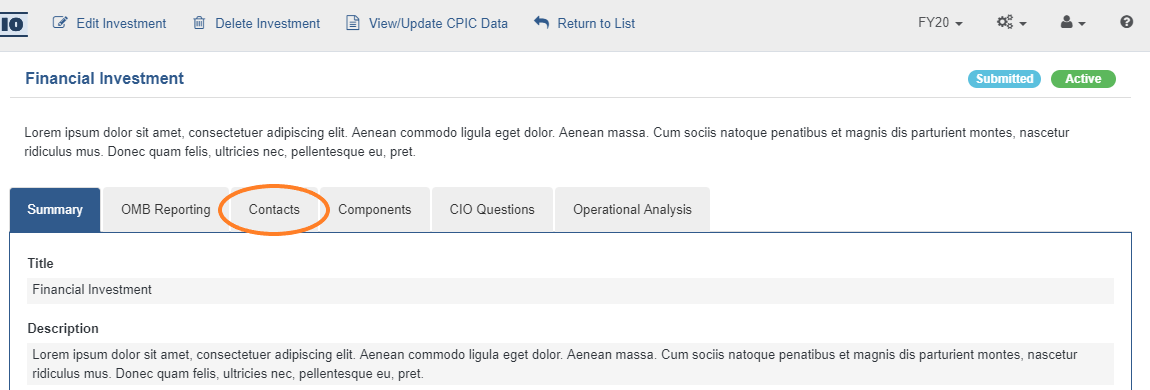
- To add or update contacts for an investment, select the 'Contacts' tab on the investment detail screen.
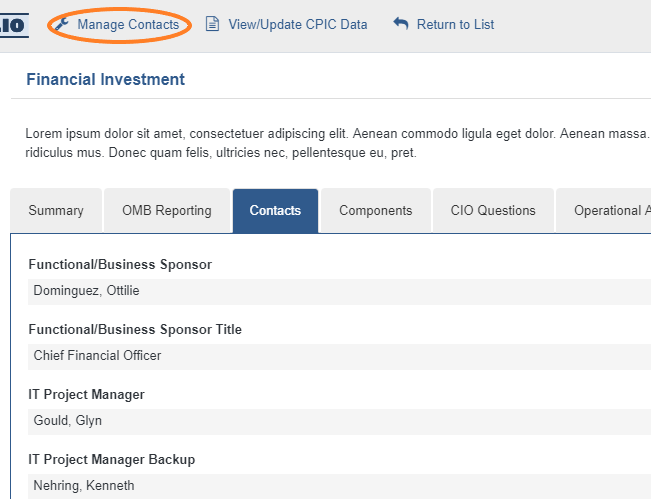
- Select the 'Manage Contacts' button option at the top of the screen.
- When all desired updates have been made, select the 'Save' button option at the top of the screen.

3. Updating Investment Operational Analysis
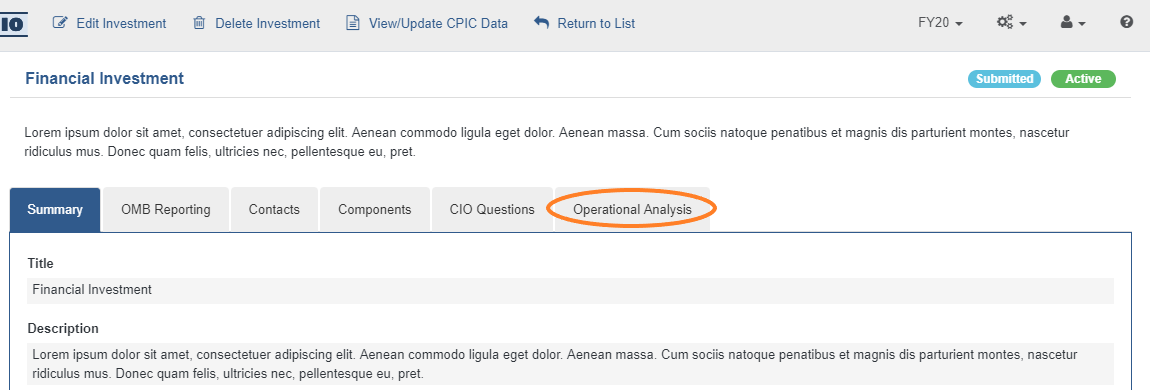
- Updates for Investment Operational Analysis can be completed via the Operational Analysis CPIC screen or on the Investment detail page. To update from the investment detail page, select the 'Operational Analysis' Tab.
- Select the 'Edit Operational Analysis' button option at the top of the screen.
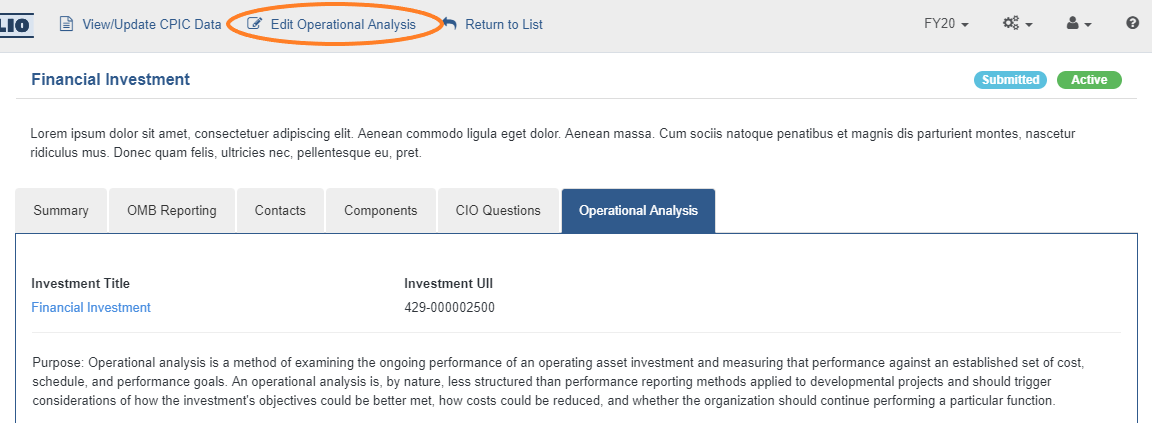
- When all desired updates have been made, select the 'Save' button option at the top of the screen.

Comments
0 comments
Please sign in to leave a comment.