
This process encompasses creating new Investments and editing existing investments.
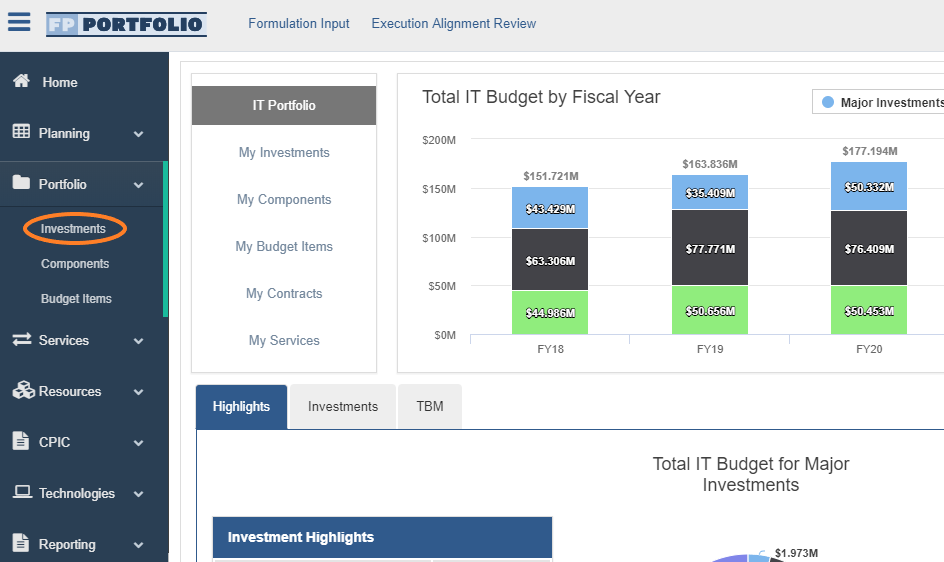
1. To access the investment area, select the Investment option from the Portfolio menu on the left.
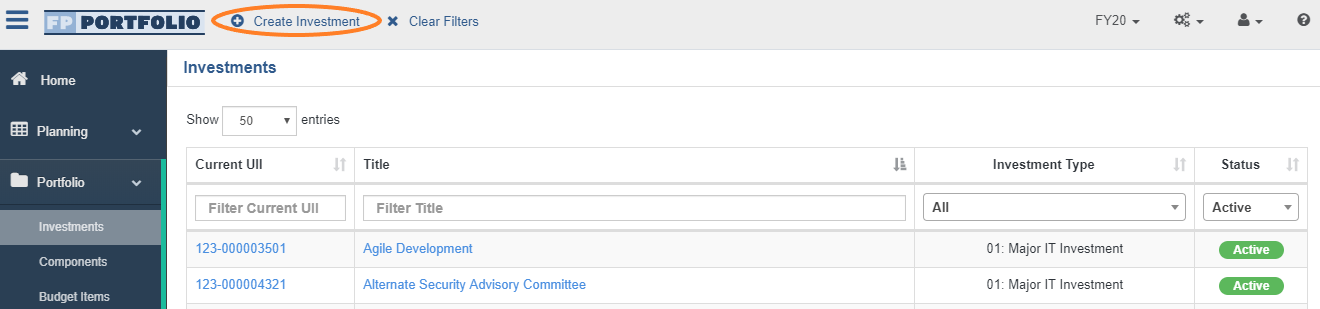
2. To create a new investment, select the 'Create Investment' button option at the top of the list page.
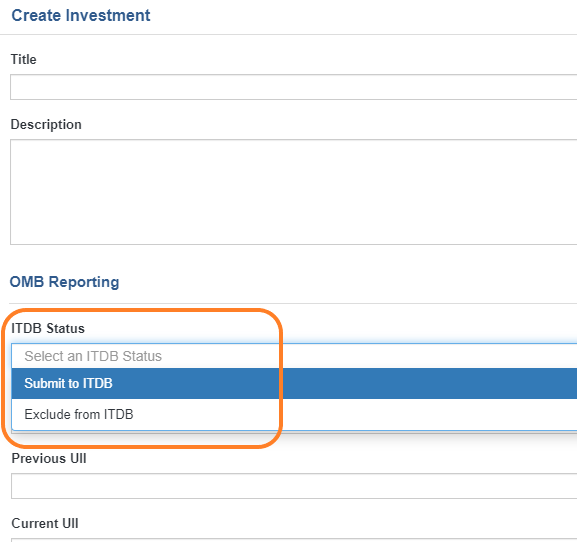
- Fill out all required fields.
- Note: if data for this investment will be submitted to the ITDB, select the 'Submit to ITDB' status value, otherwise select 'Exclude from ITDB'.
- Select the ‘Save’ button at the top of the screen when done.

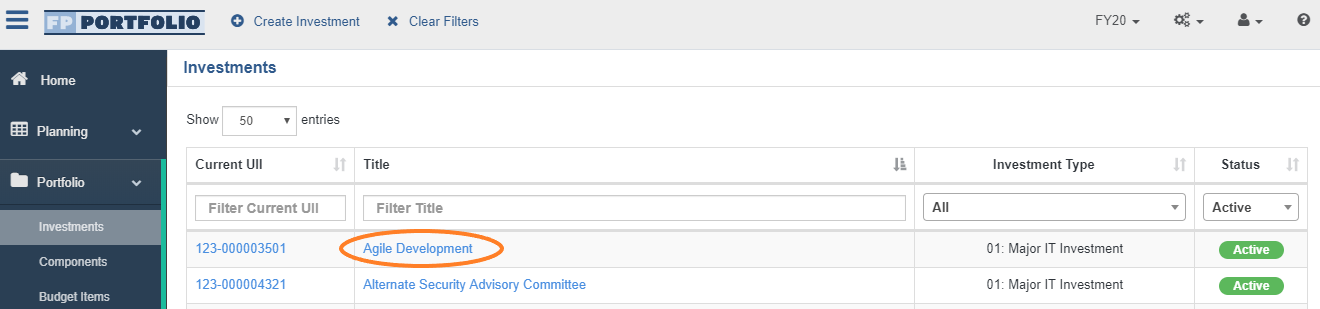
3. To edit an investment, select the desired Investment from the list screen provided.
- Select the ‘Edit’ button option from the top of the screen.

- When all desired edits have been made, select the ‘Save’ button option from the top of the screen.

Comments
0 comments
Please sign in to leave a comment.