
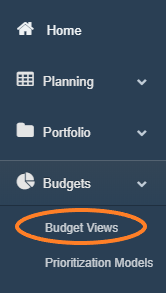
1. Access the Budget Views screen by selecting the 'Budget Views' option from the Budgets menu drop-down.
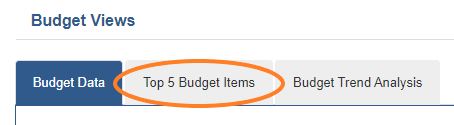
2. Select the 'Top 5 Budget Items' tab.
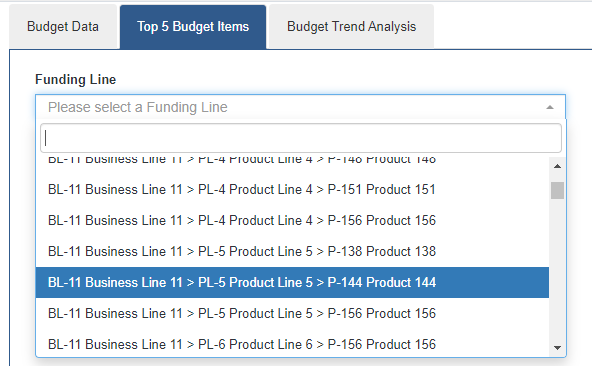
3. To view the Top 5 Budget Items for any Funding Line-Cost Center, select the desired value from the type ahead drop-down provided.
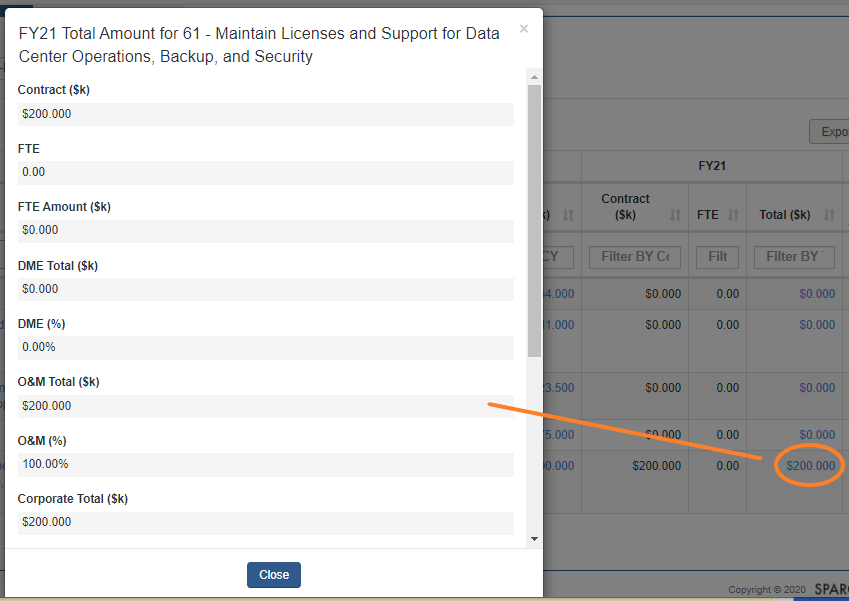
4. To view 'Total Amount' breakdown, select any Amount value from any of the returned grids.
5. Export any table by selecting the 'Export Table' button option on the top right of the list grid.

Comments
0 comments
Please sign in to leave a comment.